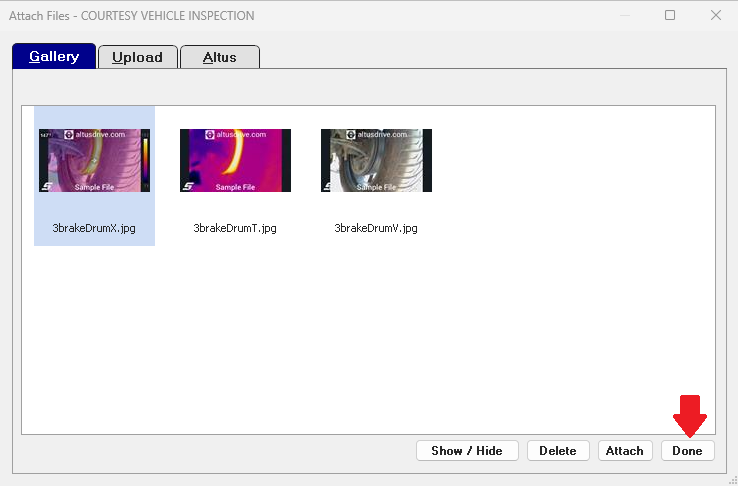
This guide will explain how to attach a file uploaded to a technician account (normally from a scan tool) to an order in Manager SE.
- Ensure you have a technician associated to your shop account. This can be done by following Creating an Individual Login for SureTrack Community
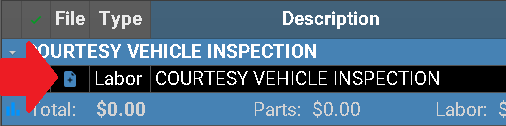
- Click the File Icon in the file column for the item you wish to attach the image to
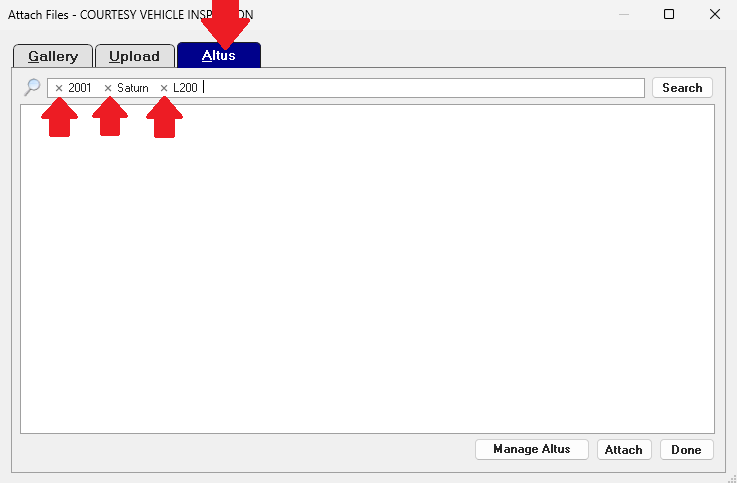
- Then Click Altus and remove the filters
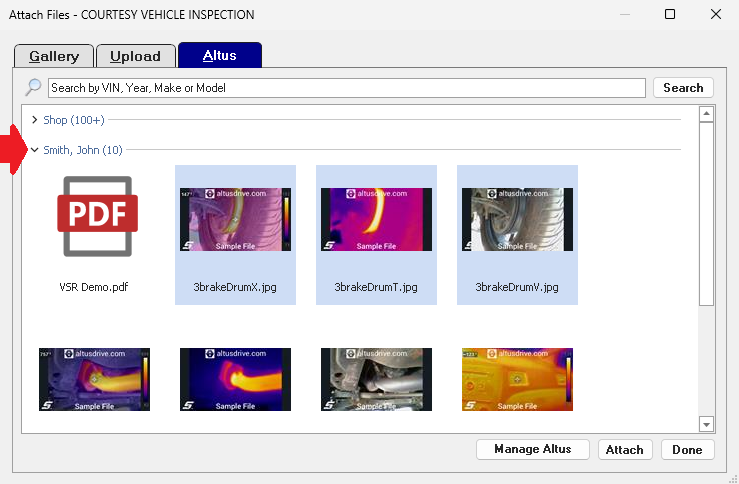
- Then Click the arrow to the left of the technicians name and highlight the applicable images then press Attach
- This will return you to the gallery view for the line so that you can review what you attached to the line item. Select Done to close the window.