
Any labor description transferred from Estimator with ‘R&R’ can be edited to read ‘Remove and Replace’.
NOTE: Any Labor descriptions saved in Canned Jobs or existing WIP or history orders were not affected.

- Double-click the Labor line, then highlight the ‘R&R’ text.
- Then type Remove & Replace.
- Click Done.
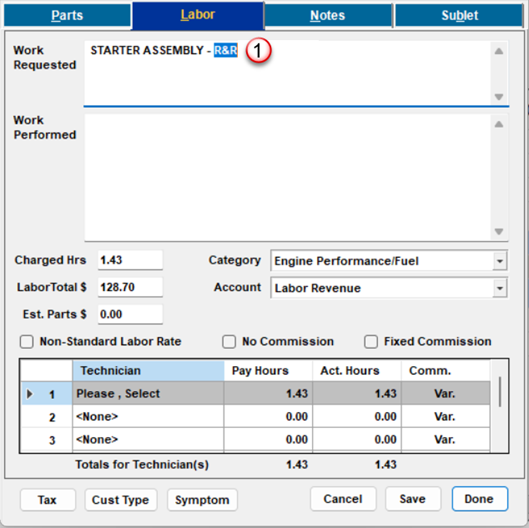
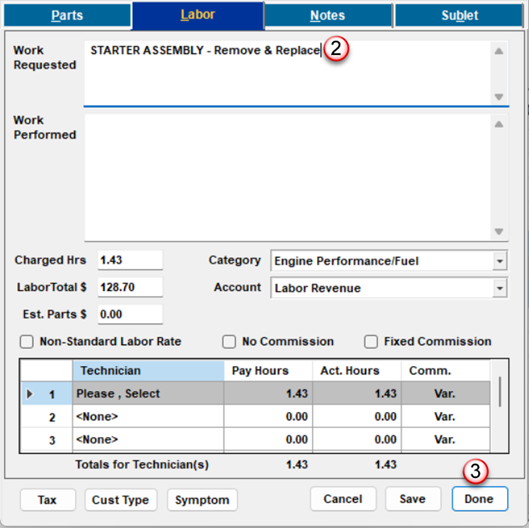

Your Labor description edit is complete.
Job View version
Correcting the Labor Description
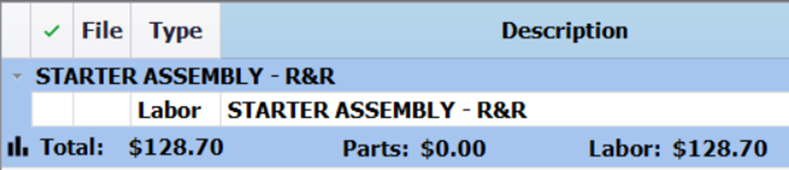
- Double-click the Labor line, then highlight the ‘R&R’ text.
- Then type Remove & Replace.
- Click Done.
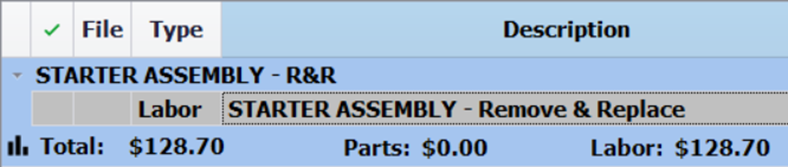
Correcting the Job View Container Description to Match
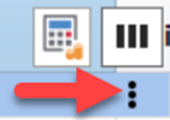
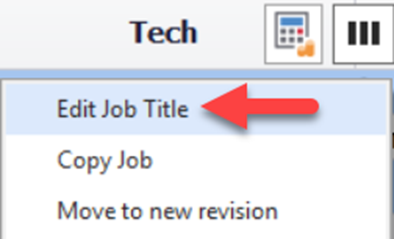
To correct the Job View container title, use the Job View menu and select the Edit Job Title option.
TIP: You may also double-click on the Job Title itself, type what you need and press ENTER.
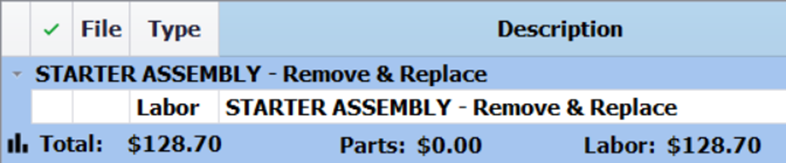
Your Labor description and Job View container title edit is now complete.